Timesheet automation replaces manual time entry, chasing, and re-keying with software that captures hours and pushes them straight into payroll. For a 100-person team doing five minutes of manual fixing per timesheet each week, that’s over 8 hours of admin a week, or roughly $10,000 a year at a $45 hourly rate. The sections below show how to fix it, step by step, and stay compliant while you do.
TL;DR:
- Automating timesheet tracking saves significant admin hours, with an example showing over 8 hours weekly for a 100-person team, translating to roughly $10,000 annually.
- Integration via APIs or connectors ensures real-time data flows directly into payroll and billing systems, reducing re-entry errors and delays.
- Implementing automation should start with process mapping and pilot testing to avoid keeping inefficient manual workflows and to measure actual savings and error reductions.
- Fair Work record-keeping requirements demand retaining accurate timesheet data for seven years and maintaining an audit trail to ensure compliance.
- Focusing on fixing process flaws, like approval chains and data ownership, before choosing software features is crucial for successful timesheet automation.
Table of Contents
- Key benefits of timesheet automation for operations, HR and finance
- Common problems with manual timesheets that automation fixes
- How to implement timesheet automation in five steps
- Integrations and compliance: payroll, HR systems and Fair Work record-keeping
- Process design pitfalls and a 90-day path to fixing them
- What matters most in a timesheet automation project
- Book a free 30-minute automation assessment
- Essential government guidance and templates
- Sources
- FAQ
Key benefits of timesheet automation for operations, HR and finance
Automated timesheet tracking removes the guesswork from pay and billing. Fewer manual touches means fewer errors, and fewer errors means fewer disputes at pay time.
Here’s what changes when timesheets stop being a manual chore:
- Fewer pay disputes. Staff see accurate hours before payroll runs, not after.
- Faster client billing. Time captured against jobs or projects flows straight into invoices.
- Better resourcing decisions. Real-time hours data shows which teams are stretched and which have spare capacity.
- Hours back for your team. Less time spent chasing paper timesheets or fixing spreadsheet errors.
Pro Tip: Use this formula to estimate your own savings: (hours saved per pay cycle) × (number of cycles per year) × (average hourly wage of the person doing the admin). A finance officer spending 3 hours per fortnight fixing timesheets at $40 an hour works out to over $3,100 a year, just in fixing errors.
Better time data also feeds utilisation reporting, so you can see project profitability at a glance instead of reconstructing it at month end. Throughline Automation’s Automation ROI Calculator can help you model these numbers against your own headcount and pay rates.
Common problems with manual timesheets that automation fixes
Manual timesheets fail in predictable ways. Knowing the pattern helps you decide what to fix first.
- Data entry errors. Staff round hours, forget breaks, or transpose numbers when copying from paper to spreadsheet.
- Overtime and Award complexity. Manually checking penalty rates and overtime thresholds against each Award is slow and error-prone.
- Payroll delays. Late or incomplete timesheets hold up entire pay runs, not just one employee’s pay.
- Hidden admin hours. Add up the minutes each manager spends chasing, checking, and correcting timesheets every pay cycle. Multiply by your number of managers and pay cycles a year. The total is usually far bigger than anyone expects.
These failings aren’t just slow. Manual timesheet processes commonly create hidden costs through redundant data entry and payroll rework, and incorrect records raise your compliance risk at the same time.
How to implement timesheet automation in five steps
Rolling out automated timesheet tracking works best as a small project, not a big-bang switch. Follow this sequence.
- Map the current process. Note who records time, where (paper, spreadsheet, app), and where that data goes next; this step is vital to improve property management workflow efficiency by cutting manual admin. This single step prevents the biggest mistake in automation projects: automating a broken process instead of fixing it first.
- Pick a pilot scope. Choose one high-cost, rules-based workstream, such as a single site or a payroll classification with clear rules, rather than the whole business at once.
- Scope your integrations. Decide how the automation connects to your existing payroll and HR systems using APIs or connectors. This step matters most: any manual export-import step between systems reintroduces the re-keying you’re trying to remove.
- Run the pilot and measure it. Track exceptions, hours saved, and payroll rework over two to four pay cycles, then adjust the rules based on staff feedback.
- Train staff and scale. Document who owns record-keeping, train the pilot team properly, then roll out to the next workstream.
| Pilot metric | What to track | Why it matters |
|---|---|---|
| Exceptions | Number of timesheets flagged for manual review | Shows how well your rules match real work patterns |
| Hours saved | Admin hours per pay cycle before vs after | Direct input to your ROI calculation |
| Payroll rework | Corrections needed after each pay run | Signals whether integration is genuinely error-free |
Pro Tip: Automating the approval workflow, the step that flags overtime or Award breaches, often saves more time than automating raw time capture. It removes the manual check-and-fix loop entirely, rather than just speeding up data entry.
Integrations and compliance: payroll, HR systems and Fair Work record-keeping
API and connector-based integration is what separates real timesheet automation from a faster spreadsheet. Once clock-in and clock-out events link directly to payroll, there’s no export-import step left to introduce errors.
Compliance sits on top of this. Fair Work Ombudsman record-keeping requirements mean employers must keep time and wage records, and retain them for seven years. The Fair Work Act also prohibits keeping records that are false or misleading, so your automated system needs an audit trail, not just a dashboard.
Use this checklist before you go live:
- Payslips issued electronically must be printable and securely accessible to staff.
- Timesheet and roster records match the templates and fields set out on Business.
- Retained logs cover the full seven-year period, not just the current financial year.
- IT and payroll teams agree who owns data backups and system access before handover.
Process design pitfalls and a 90-day path to fixing them
The most common mistake in timesheet automation projects isn’t the software. It’s automating a process nobody’s mapped properly first.
Watch for these failure modes:
- Partial automation. Time capture is automated, but approvals still happen by email.
- Missing data destinations. Hours flow into a system nobody checks or use for reporting.
- Unclear ownership. No one is accountable when an exception needs resolving.
Throughline Automation’s 90-day transformation approach exists to avoid exactly this. It maps your highest-cost manual workflows first, builds the automation and payroll integration second, then hands over measurable results in the third month. Track time saved, error reduction, payroll exceptions, and projected ROI against your pre-automation baseline to know it’s working.
What matters most in a timesheet automation project
Most advice on this topic jumps straight to software features. That’s backwards. The research behind this guide points to process mapping as the real bottleneck, not the tool you pick.

Automating a broken approval chain just makes the mess move faster. The Award and overtime checks that eat up manager time deserve automation before raw time capture does, because that’s where the manual check-and-fix loop actually lives.
If you take one thing from this guide, prioritise the payroll integration over the timesheet interface. A clean interface with a manual export to payroll still leaves you re-keying data and exposed to the record-keeping risks that Fair Work enforces. Fix the plumbing first, then worry about how the screen looks.
— Throughline Team
Book a free 30-minute automation assessment
Throughline Automation runs a 90-day transformation process that maps your highest-cost manual workflows, builds the automation, and integrates it with the payroll and HR systems you already use, no rip-and-replace required.
If you’re an operations, HR or finance leader at an organisation with 50 or more staff and manual timesheets are eating into your week, this is worth 30 minutes of your time:
- Book your free 30-minute automation assessment
- Run the numbers with the Automation ROI Calculator
There’s no cost and no obligation. You’ll walk away knowing exactly where your admin hours are going and what fixing it would be worth.
Essential government guidance and templates
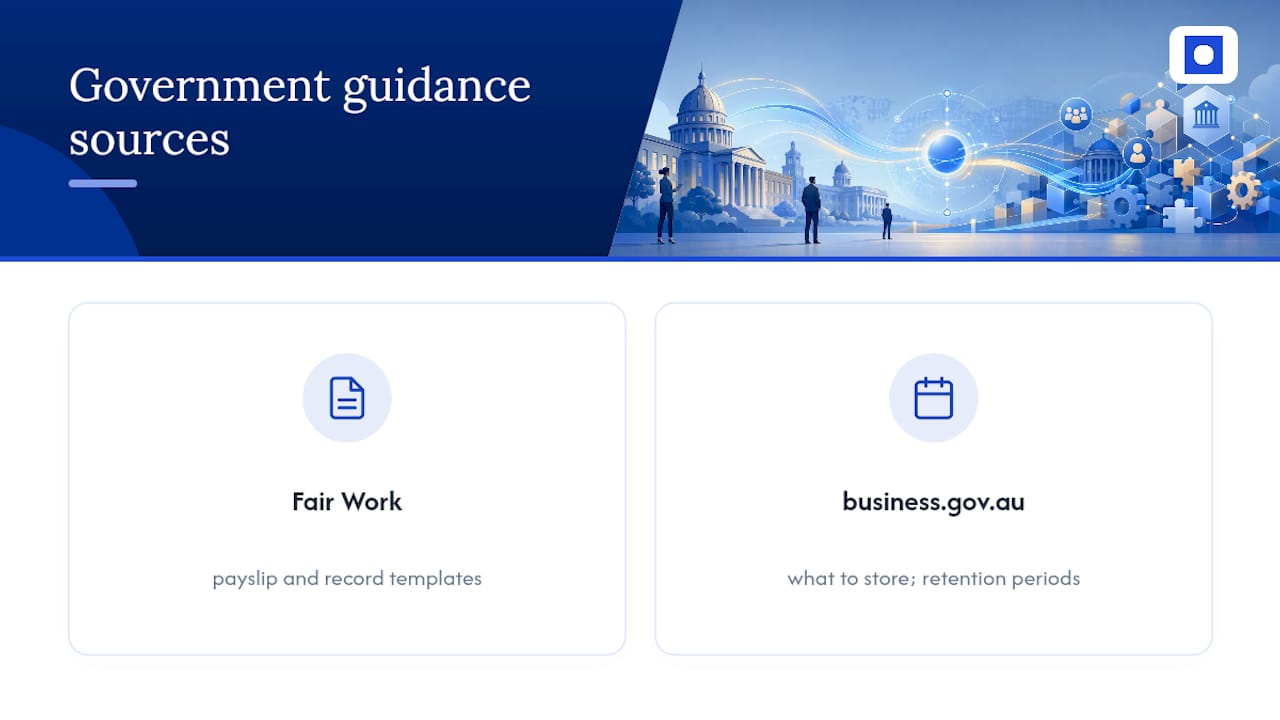
Before you automate, check the rules. Fair Work’s record-keeping and pay slip templates and business.gov.au’s employee records guidance cover exactly what to store and for how long.
Sources
- Record-keeping - Fair Work Ombudsman
- Business
- Fair Work Act 2009 - s 535 employer obligations in relation to employee records
FAQ
What Is Timesheet Automation?
Timesheet automation is software that captures employee hours and sends them directly into payroll or billing systems, removing manual entry and re-keying.
How Long Must Employers Keep Timesheet Records?
Under the Fair Work Act, employers must keep employee time and wage records for the period legally required.
Does Timesheet Automation Replace My Existing Payroll System?
No. Timesheet automation connects to your existing payroll and HR software through APIs or connectors, so you keep the systems you already use rather than replacing them.
How Long Does It Take To Implement Timesheet Automation?
A well-scoped pilot can run over two to four pay cycles, and a full rollout using a structured approach like Throughline Automation’s 90-day transformation typically moves from mapping to handover within three months.
What’s the Biggest Mistake Businesses Make When Automating Timesheets?
Automating a broken process without mapping it first, which locks in existing inefficiencies rather than removing them.