Automation security means locking down how you automate invoicing, onboarding, approvals, and data entry, not installing cybersecurity software. Before you approve any project, demand governance sign-off, clear data residency, least-privilege access, a proxy layer between agents and legacy systems, and a human check on high-impact decisions. If any automation touches personal or financial data, run a privacy impact assessment first.
TL;DR:
- Automated workflows must include governance sign-off, data residency, least-privilege access, and human oversight on high-impact decisions before deployment.
- Conduct thorough risk and privacy assessments, document data flows, and implement audit trails to reduce downstream risks and ensure compliance.
- Enforce data encryption, environment isolation, strict access controls, and real-time monitoring to prevent security breaches and automation failures.
- Use middleware proxies, separate decision from preparation processes, and apply validation and circuit breakers to avoid common automation error modes.
- Regularly review and update automations as living processes, not one-time projects, to address drift, changes, and evolving risks over time.
Table of Contents
- Why governance and a risk assessment must come first
- Practical security controls you must require for safe automations
- Integration patterns and engineering controls that avoid common failure modes
- How Throughline Automation builds these controls into every project
- Book a free automation assessment
- Sources
- FAQ
- Why “set and forget” automation is the wrong instinct
Why governance and a risk assessment must come first
Automation is not a small IT job you tick off quietly. It’s a business risk item, the same as a new supplier or a new finance system.
BDO’s guidance on Australia’s AI framework is blunt about this: automation needs to sit inside your existing risk and compliance structure, not run as a side project owned by one department. If your IT team builds an invoice bot without finance and legal signing off, you’ve got a governance gap before the bot even runs its first job.
Before any automation goes live, run a Privacy Impact Assessment (PIA) if it touches personal or sensitive data. PIA guidance from the Office of the Australian Information Commissioner recommends this for any new system processing personal information, and it forces you to map exactly where data flows and where it’s stored.
Four things need to happen before you build anything:
- Form a cross-functional governance committee: IT, security, legal, operations, HR, and finance, with one person accountable.
- Run a PIA for any automation touching employee, customer, or financial records.
- Document every data flow: what enters the system, where it’s stored, and who can see it.
- Keep an audit trail of every automated action, so you can reconstruct what happened if something goes wrong.
Digital.NSW’s automation risk guidance backs this up with a similar list: multidisciplinary risk assessment, privacy and security checks, and human failsafes across the automation’s whole lifecycle, not just at launch. Skip this step and you’re not saving time. You’re just moving the risk downstream to whoever discovers the problem later.
Practical security controls you must require for safe automations
Once governance is sorted, the technical checklist starts. Here’s what to insist on before you sign off on any automation project.
- Data residency and encryption. Insist sensitive data stays in Australia or in a compliant regional data centre, encrypted both at rest and in transit. This is a core PIA requirement, not a nice-to-have.
- Vendor contract clauses. Before signing with any automation vendor, Entivel’s security guide recommends checking their certifications, encryption standards, and getting a written guarantee your data won’t be used to train public models.
- Access control. Use least-privilege permissions, role-based access, dedicated service accounts for each automation, and multi-factor authentication on every account with automation access.
- Environment isolation. Run automations in segmented environments. Use a proxy or middleware layer between the automation and older legacy systems, so credentials never sit exposed in the automation itself.
- Human-in-the-loop approval. Any decision that affects a customer, an employee’s pay, or a large invoice needs a person to check it before it goes out. Build that checkpoint in, don’t bolt it on later.
- Monitoring and review cadence. Log every action, watch for anomalies, and schedule a review every quarter, not just when something breaks.
Pro Tip: Ask your automation provider one direct question: “Can you show me the audit log for the last automated decision this system made?” If they can’t answer in under a minute, your oversight isn’t as tight as you think.
Access control deserves extra attention because it’s the control most businesses get wrong first. A service account with admin rights across your whole CRM is a much bigger risk than the automation task it was built for. Scope it down to exactly what the job needs, nothing more.
Integration patterns and engineering controls that avoid common failure modes
Most automation failures aren’t dramatic hacks. They’re duplicate invoices, retry storms, and agents that quietly gained more access than anyone intended.
The fix starts with a proxy or middleware layer sitting between your automation and your core systems. Research on agent-to-API middleware recommends this specifically so automations never hold long-lived credentials directly. The proxy enforces idempotency (so the same instruction can’t fire twice), sets retry budgets, and validates every response before it’s acted on.
The second pattern is separating “prepare” from “decide.” Intecracy Group’s work on secure process automation describes this well: orchestrate the workflow with an executable process model (BPMN), and keep the actual decision rules in a separate rule engine (DMN). The automation gathers and formats the data. A rule engine or a person makes the call. That separation is what stops an automation from quietly expanding its own authority over time.
Three more controls matter for anything handling money or customer records:
- Apply strict input validation and intent-to-action gating, so an automation can’t be tricked into acting on injected or malformed instructions.
- Use saga and compensation patterns for multi-step transactions, so a failure halfway through can be rolled back cleanly instead of leaving half-finished records.
- Add circuit breakers that pause the automation automatically if it hits an unusual volume or error rate.
One analysis of automation failure modes found that without idempotency controls, partial failures and retries are what actually cause duplicate payments and reconciliation headaches, not external attacks. That’s a useful reframe: most automation security incidents start inside the workflow, not outside it. Connected systems also widen your network’s attack surface, which is why Entivel’s guidance on automation cybersecurity risk recommends Zero Trust principles and network segmentation rather than plugging every automated system straight into your main corporate network.
How Throughline Automation builds these controls into every project
We don’t treat security as a bolt-on. It’s part of how we scope every automation from day one.
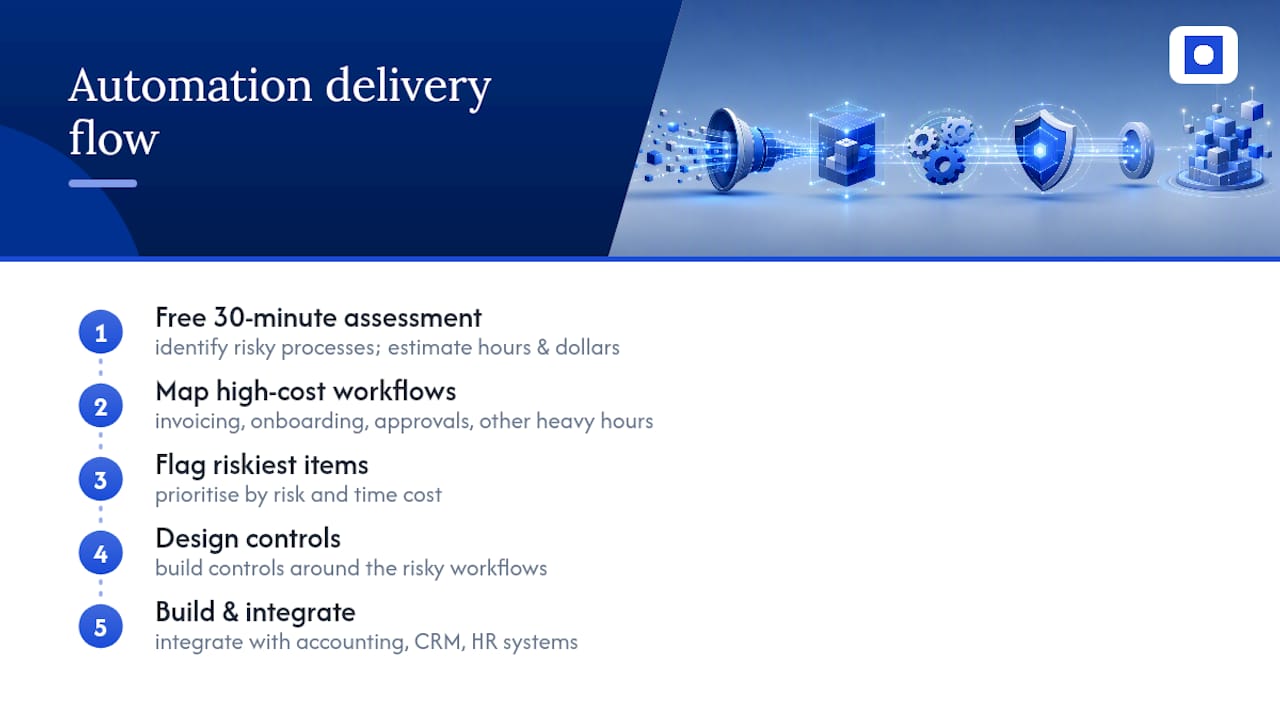
Our 90-day transformation starts by mapping your highest-cost manual workflows, invoicing, onboarding, approvals, whatever’s eating the most hours. We flag the riskiest ones early, design the controls around them, then build and integrate.
The free 30-minute assessment does the same job on a smaller scale. We look at which of your manual processes carry the most risk and estimate the hours and dollars you’d get back by automating them properly.
Nothing gets ripped out and replaced. We build automations that work with the systems you already run, your accounting software, your CRM, your HR platform, so your team isn’t relearning tools on top of everything else.
Book a free automation assessment
You don’t need to guess how much manual work is costing you. A finance team doing manual invoice entry for many hours a week at a typical hourly rate can incur substantial annual labour costs, before considering errors and rework.
Throughline Automation’s ROI calculator turns those hours into a dollar figure specific to your business in a few minutes. It’s the fastest way to see what automating invoicing, onboarding, or approvals would actually save you.
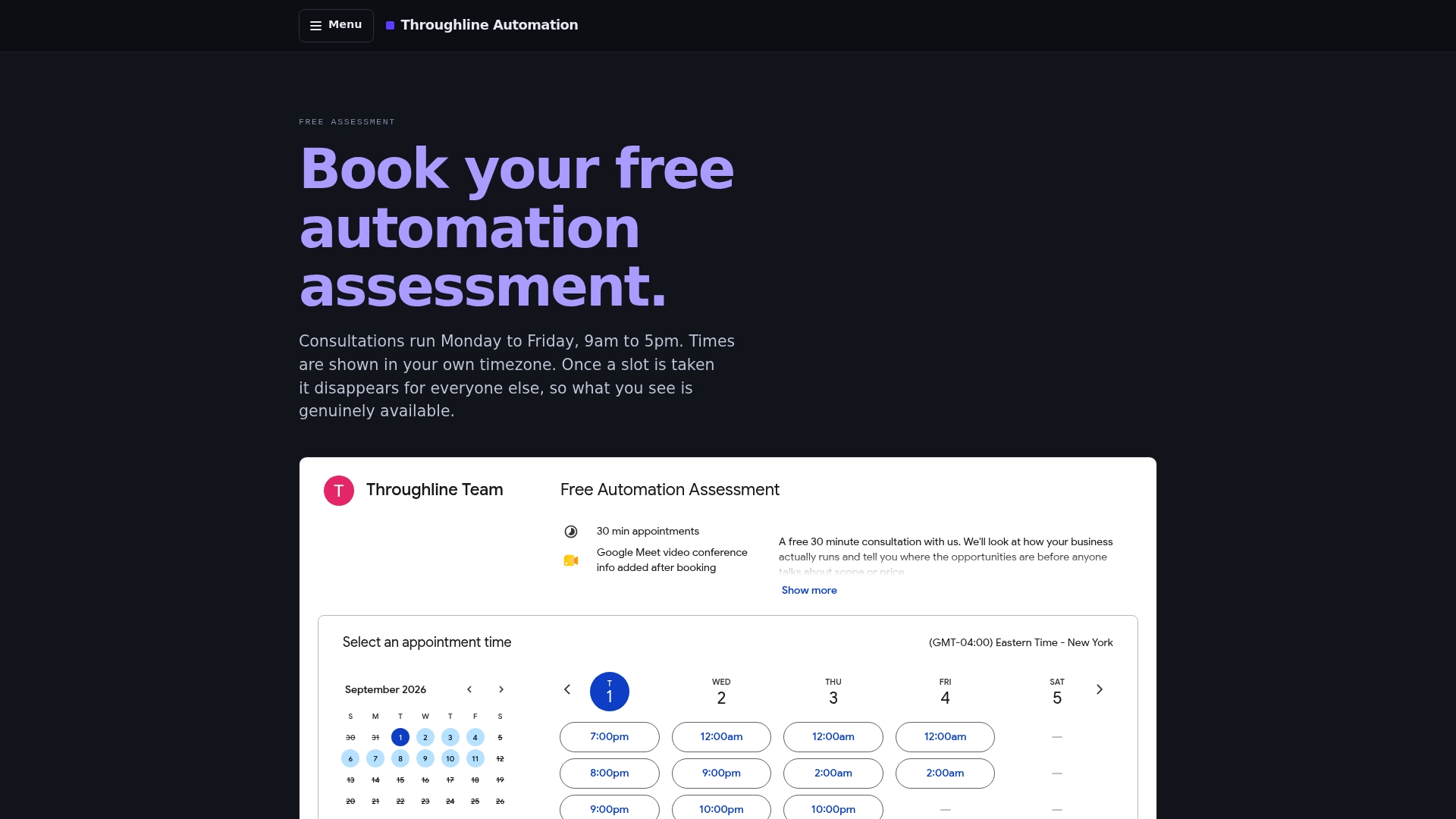
If the numbers make sense, the next step is a free 30-minute automation assessment. We’ll look at your highest-cost manual workflows, flag which ones carry the most risk, and tell you plainly whether automating them is worth it. No pressure, no lock-in, just a clear picture of where your hours are going and what it would take to get them back.
Sources
- Australia’s AI framework: organisations must do the heavy lifting (BDO)
- Navigating automation risks (Digital.NSW)
FAQ
What is automation security in a back-office context?
It’s the set of governance and technical controls that keep automated workflows, like invoicing, onboarding, and approvals, safe, compliant, and accurate. It’s not the same as cybersecurity software.
Do I need a Privacy Impact Assessment before automating a process?
Yes, if the automation touches personal, employee, or financial data. A PIA maps your data flows and storage locations before you build anything.
Who should sit on an automation governance committee?
IT, security, legal, operations, HR, and finance, with one person clearly accountable for sign-off and audit records.
What’s the biggest technical risk in business process automation?
Automations holding long-lived credentials directly, and lacking idempotency controls, which causes duplicate transactions during retries and partial failures.
How does Throughline Automation handle security during a project?
Every 90-day transformation starts by identifying which manual workflows carry the most risk, then builds controls around them before integrating with your existing systems.
Why “set and forget” automation is the wrong instinct
Most businesses treat automation like a one-time fix: build it, switch it on, move on. That instinct is understandable, and it’s also where most of the risk creeps in.
An automated workflow isn’t static. The invoice format changes, a vendor updates their API, a new starter gets onboarded with a slightly different data field. Every one of those small drifts is a chance for the automation to quietly do the wrong thing, at scale, faster than a person would ever notice.
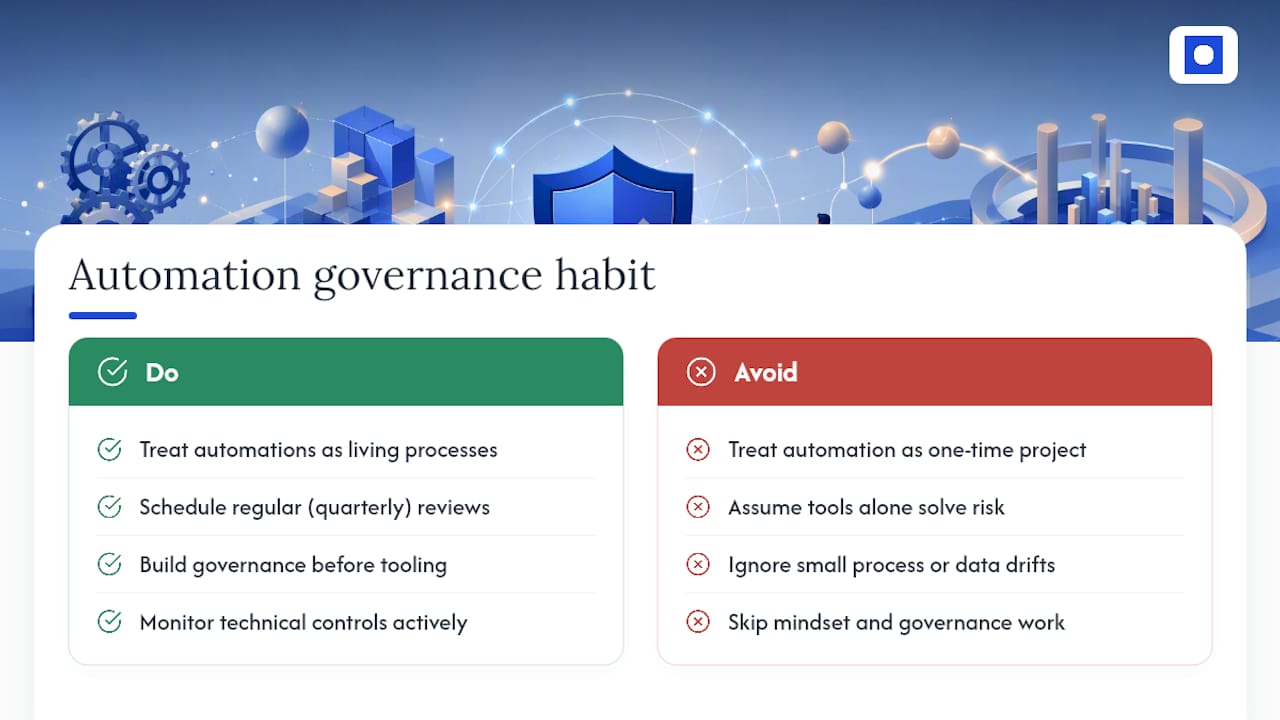
The businesses that get automation security right aren’t the ones with the fanciest tools. They’re the ones who treat every automation as a living process that needs a quarterly look, not a project that’s “done.” That’s a mindset shift more than a technology one, and it’s the one most guides skip past in favour of talking about encryption standards and access controls.
Build the governance habit first. The technical controls only work if someone’s actually watching them.
— Throughline Team